
PC vs Mobile: What’s the Best Way to Play 8 Ball Pool?
If you’re hooked on 8 Ball Pool (like so many of us are), chances are you’ve tried it on both your phone and your computer. But which version actually gives you the best experience?
This isn’t just about which screen is bigger or which one loads faster; it’s about how you like to play. Whether you’re a competitive strategist or a casual player squeezing in a quick match between meetings, the platform you choose can seriously impact your game.
Let’s break down the key differences between 8 Ball Pool on PC vs Mobile, so you can decide which one’s right for you.
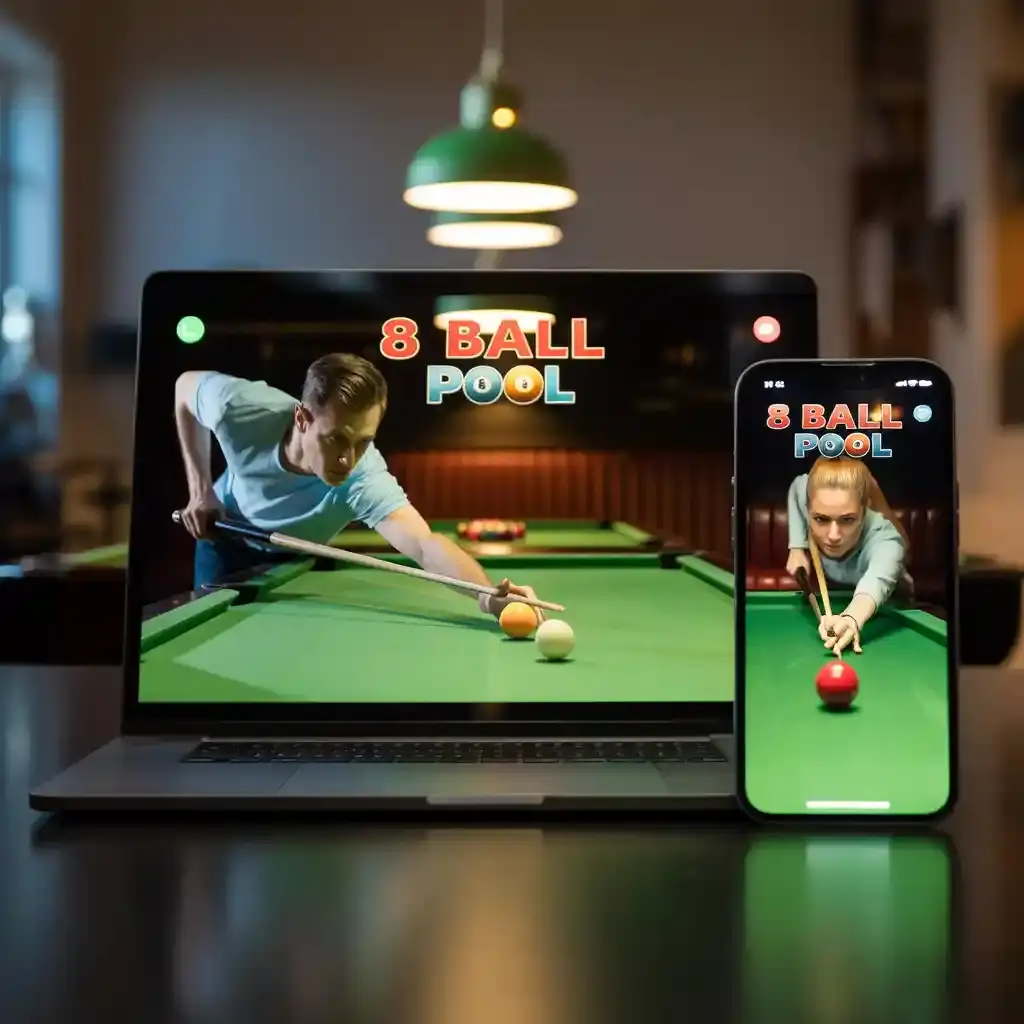
Gameplay: Immersion vs Convenience
On PC, 8 Ball Pool feels a lot more like the real thing. You get to play full-screen, track angles better, and control your shots with pinpoint accuracy thanks to the mouse. It’s perfect for those focused, no-distraction sessions.
Mobile, on the other hand, is all about ease. It’s fast, simple, and available literally anywhere. Waiting for your coffee? Open the app. Bored in bed? Queue up a match. It’s pool on-demand.
Verdict:
- PC = immersive, focused gameplay
- Mobile = quick, casual fun on the go
Graphics & Visuals: Who Wins on Looks PC vs Mobile?
With a PC, the visuals are just on another level; think sharper details, smoother animations, and more vibrant pool tables. If you’re using a decent monitor, the difference is noticeable.
Mobile graphics depend a lot on your device. Top-tier phones offer great visuals, but budget phones might struggle with clarity or lag in animations.
Verdict:
- PC = better visuals overall
- Mobile = still solid, especially on newer devices
Controls: Precision or Simplicity?
Mouse and keyboard controls on PC give you way more control. You can adjust the cue angle, spin, and shot power with exact precision; which can make a real difference in competitive games.
Mobile controls are intuitive; just aim, drag, and shoot. But it’s not always as precise, especially if you’ve got a smaller screen or less steady fingers.
Verdict:
- PC = better control for serious players
- Mobile = easier and faster to learn
Performance: Speed, Smoothness, and Stability
If your PC is up to date, the game runs buttery smooth. Plus, you won’t get interrupted by notifications, low battery warnings, or background apps.
Mobile gameplay can be just as smooth, if you’re using a mid-range to high-end phone. But older devices might heat up, lag, or even crash mid-game
Verdict:
- PC = more stable overall
- Mobile = good, but depends on your phone
Game Modes & Features: Pretty Even…Almost
Both platforms give you access to the core modes:
- 1-vs-1 matches
- Tournaments
- Practice tables
- Spin & Win, Lucky Shot, and other minigames
But mobile users tend to get more frequent updates, limited-time challenges, and exclusive seasonal content. That keeps things fresh, especially if you play daily.
Verdict:
- Mobile = more events and quicker updates
- PC = all the essentials, fewer distractions
Community & Social Play
Mobile has the biggest player base, so it’s easier to find matches instantly. Plus, the club system on mobile encourages social play and teamwork.
Playing on PC gives you better chat and communication options (thanks to the keyboard), but the social side isn’t quite as active.
Verdict:
- Mobile = more social, faster matchmaking
- PC = better for in-depth chats, but less community buzz
Cost & Accessibility
Let’s be real: everyone has a smartphone. And downloading the app is free. That makes mobile the most accessible version for the average player.
PC gaming usually requires a setup with decent specs, and possibly even third-party downloaders or emulators if you want more features.
Verdict:
- Mobile = more accessible, budget-friendly
- PC = potentially higher setup costs
Quick Comparison Table
| Feature |
| Graphics |
| Controls |
| Portability |
| Performance |
| Game Updates |
| Community |
| Cost to Start |
| Best For |
| High-quality, full-screen |
| Mouse & keyboard for precision |
| Requires computer setup |
| Stable and smooth |
| Occasional major updates |
| Smaller, more focused |
| May need hardware investment |
| Strategy-focused, immersive sessions |
| Optimized, device-dependent |
| Simple, touch-based |
| Play anywhere, anytime |
| Depends on phone specs |
| Frequent, event-driven updates |
| Larger, faster matchmaking |
| Free app, optional in-app purchases |
| Quick, casual games on the go |

Getting extra cash in 8 Ball Pool does not always mean pulling out your wallet. This blog walks through legit ways to earn free cash and make the most of daily rewards.
Choosing the right best cue sticks can make all the difference in your matches. This 2025 guide breaks down the best cue sticks with stats, tips, and how to unlock them.
You can find plenty of useful information about the 8 Ball Pool MOD APK on Pinterest and Twitter. These platforms share updates, guides, and tips that help players enjoy the game even more. It’s a quick way to stay connected with the latest tricks.
Final Thoughts: So, Which One Should You Choose PC vs Mobile?
If you’re a competitive player who values precision, better graphics, and an immersive feel, the PC version of 8 Ball Pool is your best bet.
But if you love gaming on the go, want more regular content updates, or just prefer the simplicity of tapping your screen, mobile is where it’s at.
Honestly, many players switch between both, depending on their mood or schedule. And that’s the beauty of 8 Ball Pool, it adapts to your lifestyle, not the other way around.